Q1
What is the square root of 36?
    A) 0
    B) 6
    C) 10
-----
A: Q2
B: Q3
C: Q1

Q2
Are you happy?
    A) Yes
    B) No
    C) What kind of question is this?
-----
B: Q1
*: Q3

Q3
What is your age?
    A) Young
    B) Prime of my life
    C) Old
-----
A: Q1
*: Q2
A Token Adventure
Jed Rembold
November 20, 2024
Announcements
- Project 5 guide posted!
- Section meetings this week will focus on common sticking points
- I’m fine with you partnering with anyone from your small section or
this class
- Even if working alone, you will still need to form a “team” when accepting the assignment
- Only join a team if you and that person have agreed to work together! If you have, make sure you both follow the same URL to accept!
- Back things up to GitHub after finishing every
Milestone!
- I have had groups lose all their work on Adventure before. Don’t let that be you!
- Polling: polling.jedrembold.prof
Review Question
The data file to the right is read in and run using the TeachingMachine. What question do you end up at if you choose B 4 times in a row?
- Q1
- Q2
- Q3
- None of the above
Adventure Time
Beginning the Adventure
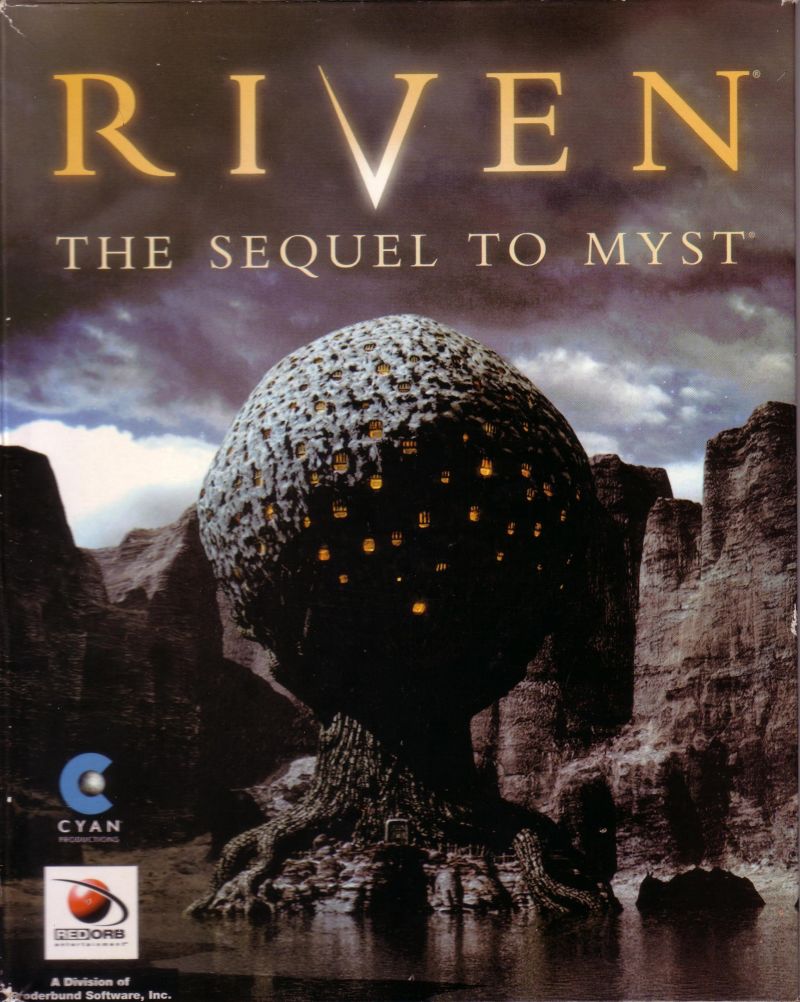
- One of the first computer games I ever played was Riven: The Sequel to Myst
Life among Wizards
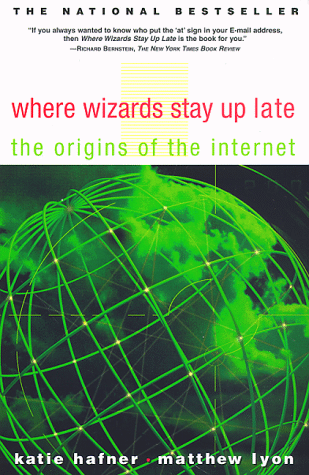
- The history of the early internet has been told in several books. One relates the following story:
A small circle of friends at BBN had gotten hooked on Dungeons and Dragons, an elaborate fantasy role-playing game in which one player invents a setting and populates it with monsters and puzzles, and the other players then make their way through that setting. The game exists only in the minds of the players.
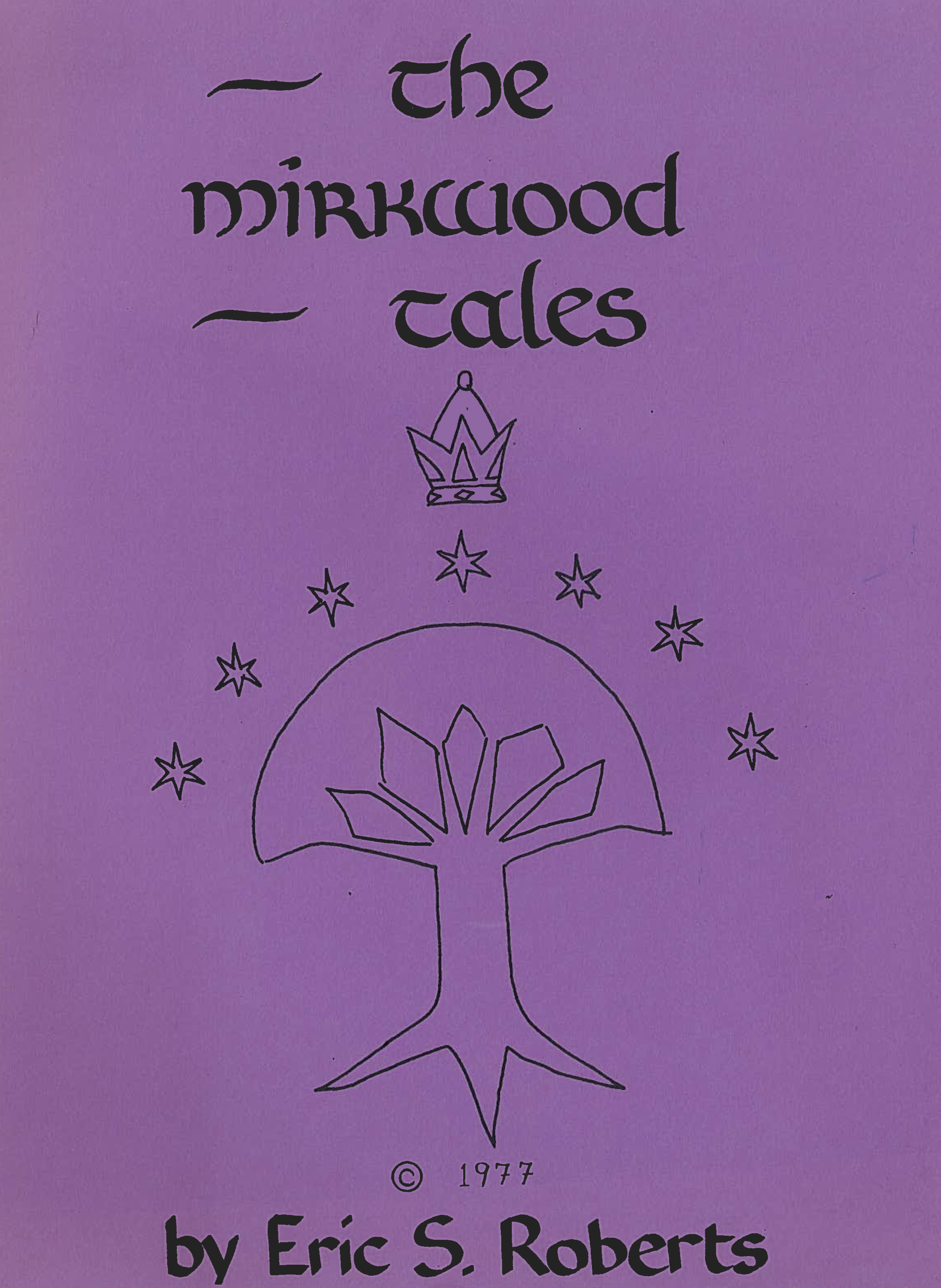
Dave Walden got his introduction to the game one night when Eric Roberts, a student from a class he was teaching at Harvard, took him to a D&D session. Walden immediately rounded up a group of friends from the ARPANET team for continued sessions. Roberts created the Mirkwood Tales.
One of the regulars was Will Crowther.
Willie Crowther’s Adventure Game
A Brief History of Adventure
- Eric Roberts begins the Mirkwood Tales in early 1975
- Will Crowther creates Adventure later that year
- Will moves to Xerox/PARC in 1976
- Stanford graduate student Don Woods released an expanded version of Adventure in early 1977
- Dave Lebling and others from MIT release the first version of Zork
in 1977
- Game later becomes the foundation of the computer game company Infocom
- Adventure is ported to wide variety of platforms by 1980
- Eric Roberts creates an expanded version in 1984 and uses it as the basis for his first Adventure Project/Contest at Wellesley
Adventure Classes
Milestone 0
- Adapt the code from the Teaching Machine application so that it uses the class and method names for Adventure
- Once you finish this milestone, you should be able to wander around a bit in the game
The SmallRooms.txt Data File
OutsideBuilding
Outside building
You are standing at the end of a road before a small brick
building.  A small stream flows out of the building and
down a gully to the south.  A road runs up a small hill
to the west.
-----
WEST: EndOfRoad
UP: EndOfRoad
NORTH: InsideBuilding
IN: InsideBuilding
SOUTH: Valley
DOWN: Valley

EndOfRoad
End of road
You are at the end of a road at the top of a small hill.
You can see a small building in the valley to the east.
-----
EAST: OutsideBuilding
DOWN: OutsideBuilding
Milestone 1
- Implement
set_visitedandhas_been_visitedto keep track of which rooms have been visited. - Check this flag in the code that describes a room to know which description to show
Milestone 2
- Implement the
QUIT,HELP, andLOOKcommands - Adds extra commands that let the player do more than just move
- Check for these before assuming a movement command
Milestone 3
- Implement the
AdvItemclass - Implement the methods in the
AdvRoomclass that make it possible to keep track of the items in a room - In the
AdvGameclass, write the code to put each item in its initial room (ignoring the"PLAYER"room for now) - Change the code for displaying a room so that it displays a list of the items in the room as well
The SmallItems data file
KEYS
a set of keys
InsideBuilding

LAMP
a brightly shining brass lamp
BeneathGrate

ROD
a black rod with a rusty star
DebrisRoom

WATER
a bottle of water
PLAYER
Milestone 4
- Implement the
TAKE,DROP, andINVENTORYcommands and any code you need to remember what the player is carrying
Milestone 5
- Implement synonym processing so that the player can use abbreviated forms of the directions and alternative names for the items
The SmallSynonyms.txt data file
N=NORTH
S=SOUTH
E=EAST
W=WEST
U=UP
D=DOWN
Q=QUIT
L=LOOK
I=INVENTORY
CATCH=TAKE
RELEASE=DROP
BOTTLE=WATER
Milestone 6
- Implement locked passages, which are passages that require a particular item to use
- Making this change requires moving
get_next_roomfromAdvRoomtoAdvGameso that it can “see” the player items
The SmallRooms.txt data file
OutsideGrate
Outside grate
You are in a 20-foot depression floored with bare dirt.
Set into the dirt is a strong steel grate mounted in
concrete.  A dry streambed leads into the depression from
the north.
-----
NORTH: SlitInRock
UP: SlitInRock
DOWN: BeneathGrate/KEYS
DOWN: MissingKeys

MissingKeys
-
The grate is locked and you don't have any keys.
-----
FORCED: OutsideGrate
Milestone 7
- Implement forced motion, in which the player is forced to
immediately move from a room to a new room without issuing a command
- Indicated by the verb
FORCED
- Indicated by the verb
- Implementation of forced motion needs to allow some forced passages to still be locked
A Token Effort
Abstract Data Types
- Many object types have some aspect of storing information as their primary purpose
- Types that are instead defined largely by their behavior are called
abstract data types or ADT s which have the following
advantages
- Simplicity. The internal representation is hidden from the client
- Flexibility. If the internal representation needs to be changed by the programmer, they can do so without breaking outside compatibility
- Security. Keeping the internal representation away from clients prevents clients from directly altering values that may cause the type to behave unexpectedly
- Want to start to focus on how we can bring all these ideas together to define our own abstract types
Token ADT
- I find it helps to think of ADT’s as a data type which helps to
fulfill a particular objective or behavioral goal
- They are little machines, packaged up inside a class
- Thinking back to our Pig Latin translation program:
word_to_pig_latintook a single word and translated into Pig Latin- To translate an entire sentence, we would need code to break the
sentence up into individual words, which we could then pass into
word_to_pig_latin
- The latter is an example of something that comes up often in
computer science: breaking a larger thing into particular smaller chunks
- These “chunks” can really be anything, so the more general term computer scientists use is a token
A Token Scanner
- A class that plucked out individual tokens might be called a token scanner
- What would a client want from a token scanner?
- A way to pass in the necessary input
- A way to retrieve the next individual token
- A way to know when there are no more tokens
- Maybe a way to tailor what tokens are desired
- These requirements help inform what methods should be incorporated
into a token scanner class!
- Still need to determine what internal attributes might be needed
Token Scanner Design
- Frequently, specific wants or objectives make for good methods to include in the token scanner
- Exports 4 main methods:
|||scanner|||.set_input(|||str|||)- Sets the input of the token scanner to the specified string or input stream
|||scanner|||.next_token()- Returns the next token from the scanner text, or
""at the end
- Returns the next token from the scanner text, or
|||scanner|||.has_more_tokens()- Returns
Trueif more tokens exist,Falseotherwise
- Returns
|||scanner|||.ignore_whitespace()- Customization option which tells the scanner to ignore whitespace characters
Token Scanner Code
# File: tokenscanner.py

"""
This file implements a simple version of a token scanner class.
"""

# A token scanner is an abstract data type that divides a string into
# individual tokens, which are strings of consecutive characters that
# form logical units.  This simplified version recognizes two token types:
#
#   1. A string of consecutive letters and digits
#   2. A single character string
#
# To use this class, you must first create a TokenScanner instance by
# calling its constructor:
#
#     scanner = TokenScanner()
#
# The next step is to call the set_input method to specify the string
# from which tokens are read, as follows:
#
#     scanner.set_input(s)
#
# Once you have initialized the scanner, you can retrieve the next token
# by calling
#
#    token = scanner.next_token()
#
# To determine whether any tokens remain to be read, you can either
# call the predicate method scanner.has_more_tokens() or check to see
# whether next_token returns the empty string.
#
# The following code fragment serves as a pattern for processing each
# token in the string stored in the variable source:
#
#     scanner = TokenScanner(source)
#     while scanner.has_more_tokens():
#         token = scanner.next_token()
#         . . . code to process the token . . .
#
# By default, the TokenScanner class treats whitespace characters
# as operators and returns them as single-character tokens.  You
# can set the token scanner to ignore whitespace characters by
# making the following call:
#
#     scanner.ignore_whitespace()

class TokenScanner:

    """This class implements a simple token scanner."""

# Constructor

    def __init__(self, source=""):
        """
        Creates a new TokenScanner object that scans the specified string.
        """
        self.set_input(source)
        self._ignore_whitespace_flag = False

# Public methods

    def set_input(self, source):
        """
        Resets the input so that it comes from source.
        """
        self._source = source
        self._nch = len(source)
        self._cp = 0

    def next_token(self):
        """
        Returns the next token from this scanner.  If called when no
        tokens are available, next_token returns the empty string.
        """
        if self._ignore_whitespace_flag:
            self._skip_whitespace()
        if self._cp == self._nch:
            return ""
        token = self._source[self._cp]
        self._cp += 1
        if token.isalnum():
            while self._cp < (
                self._nch and self._source[self._cp].isalnum()
                ):
                token += self._source[self._cp]
                self._cp += 1
        return token

    def has_more_tokens(self):
        """
        Returns True if there are more tokens for this scanner to read.
        """
        if self._ignore_whitespace_flag:
            self._skip_whitespace()
        return self._cp < self._nch

    def ignore_whitespace(self):
        """
        Tells the scanner to ignore whitespace characters.
        """
        self._ignore_whitespace_flag = True

# Private methods

    def _skip_whitespace(self):
        """
        Skips over any whitespace characters before the next token.
        """
        while self._cp < self._nch and self._source[self._cp].isspace():
            self._cp += 1
Using TokenScanner
- Need to initialize the token scanner object
- You need to create the machine before you can use it
- Feed the machine the text you want to grab tokens from
- Generally, keep looping as long as there are still tokens
- Each iteration, get the latest token and then do something with it
Using TokenScanner in
PigLatin
from tokenscanner import TokenScanner

def to_pig_latin(text):
    translation = ""
    scanner = TokenScanner()
    scanner.set_input(text)
    while scanner.has_more_tokens():
        token = scanner.next_token()
        if token.isalpha():
            token = word_to_pig_latin(token)
        translation += token
    return translation