Getting Animated

Jed Rembold

February 25, 2026

Halfway through the week!

Quick Announcements

  • I’m still going to try, but there is probably a 50/50 chance that I am going to need the weekend to get through all the midterms
  • I am really sorry that you hadn’t gotten Feedback on PS2 and PS3
    • It has now been fixed going forwards
    • That feedback should now be visible to you
  • The Python Summary has been updated with all the PGL methods
  • PS4 is due on Monday

Group Problems

Problem 1: Tracing Understanding

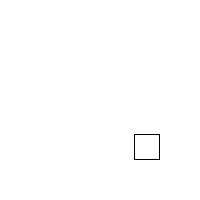
When the function to the right is run, what does the screen look like just after 1 second has passed?


(A)
(C)
(B)
(D)
def mystery():
    def enigma():
        rect.move(1, 1)

    def puzzle():
        rect.set_filled(True)

    gw = GWindow(200, 200)
    rect = GRect(0, 0, 25, 25)
    gw.add(rect)
    gw.set_interval(enigma, 20)
    gw.set_timeout(puzzle, 1000)

Problem 2: The Setup

  • This is a coding problem, work in pairs or trios on a single computer
  • In SquareFun.py, I’ve drawn an initial box for you
  • Your task is cause the square to move horizontally across the screen such that it takes exactly 5 seconds to cross entirely

Problem 2b: The Growth

  • Switch who is typing!
  • Now, we want the box to also increase in size as it moves across the screen
  • Until it reaches a size of 100 pixels, then it stops growing (but keeps moving)

Problem 2c: Symmetric Growth

  • Switch who is typing!
  • The box grows from the top left corner atm, which looks weird
  • Add logic to also adjust the position of the box so that it seems to grow from the center

Problem 2d: Target Time!

  • Switch who is typing!
  • I’ve provided you a function that “throws a dart” to a specified position
  • Add a timeout so that the dart is thrown when it would strike the center of the box

Problem 2e: Moving the Dart

  • Switch who is typing!
  • Even if the dart hits the box, the box moves out from under it currently, which looks weird
  • Add logic so that the dart is moved along with the box once it hits the board
  • This will likely require accessing the same dart object in multiple callback functions, one of which assigns it. How can you manage this?

Problem 3: Obeying Traffic

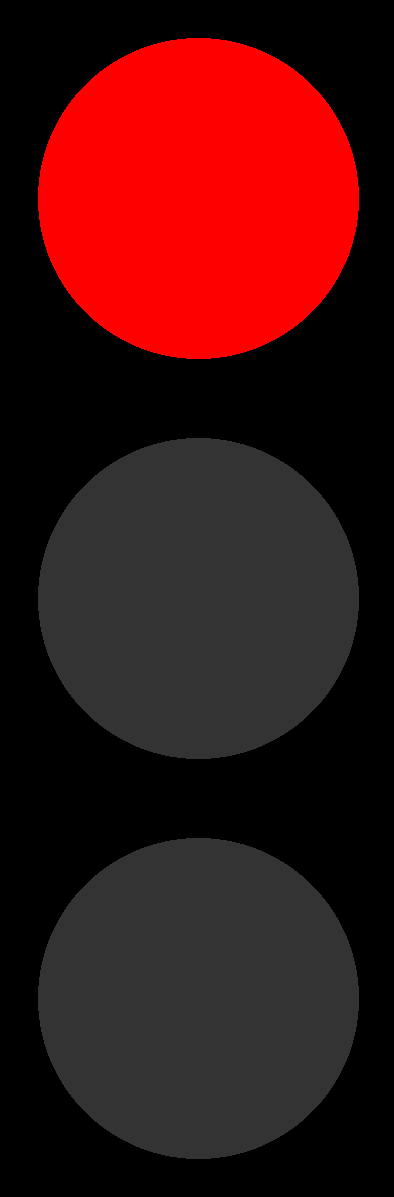
  • I have provided the structure of a traffic light for you in traffic.py
  • Your task is to add the color cycling, using a single step callback
  • Lights should follow the pattern of:
    • Red for 5 seconds
    • Green for 5 seconds
    • Gold/yellow for 1 second
  • The cycle should repeat

Live Coding

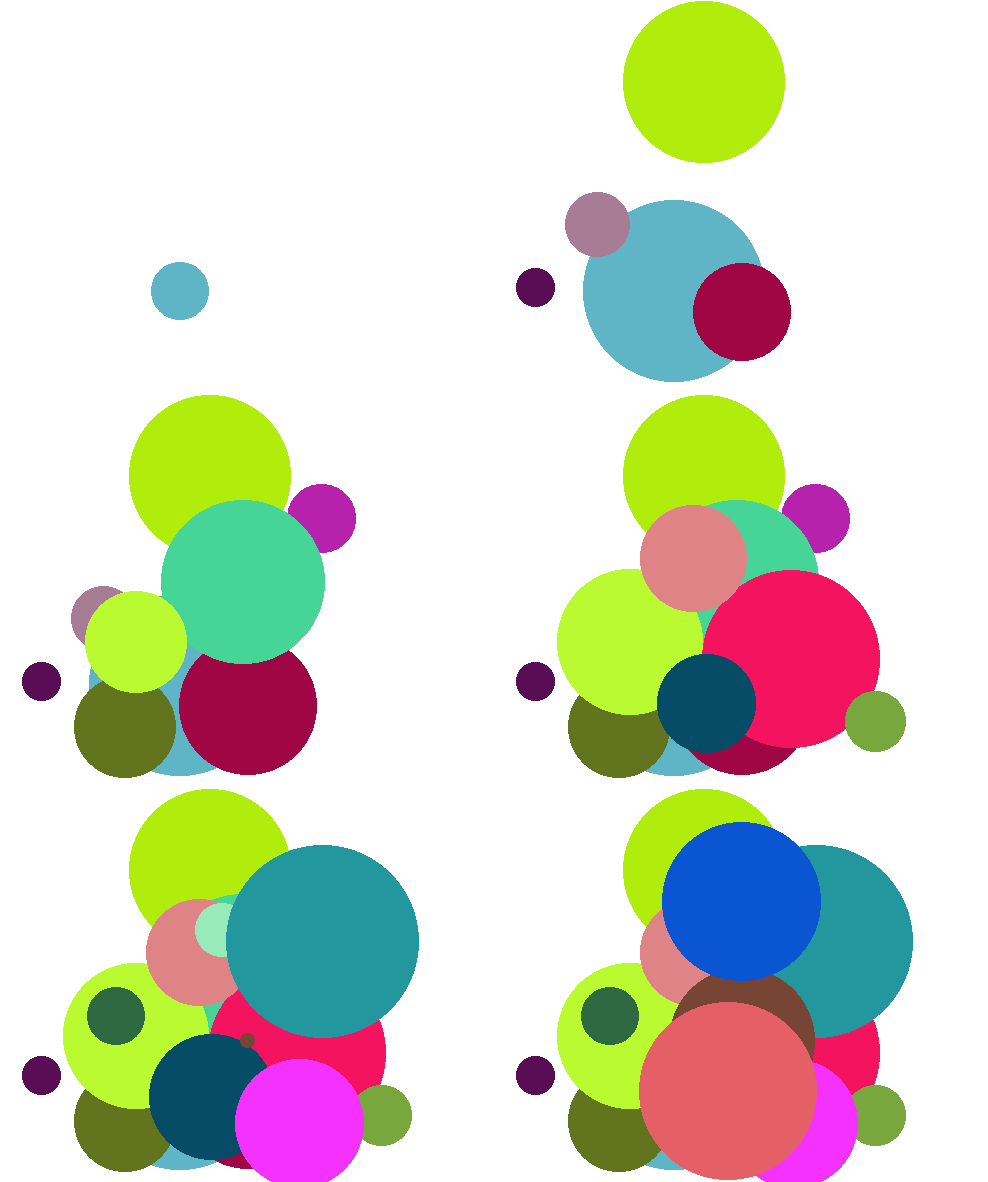
Growing Circles

  • Let’s recreate the following:

// reveal.js plugins