Project 2 is recreating the classic arcade game Breakout!
Guide will be posted tomorrow, not due until March 10
Focus on the midterm initially, but then consider getting a start
this weekend
Breakout History
The popular Breakout arcade game was released by
Atari in 1976
Atari founder Nolan Bushnell wanted a new game that
would build on the success of the earlier game Pong. He assigned Steve
Jobs to develop the game, promising a bonus if the game required a small
number of chips.
As Wikipedia tells the story, “Jobs had little
specialized knowledge of circuit board design but knew [his friend
Steve] Wozniak was capable of producing designs with a small number of
chips. He convinced Wozniak to work with him, promising to split the fee
evenly between them.”
Wozniak completed the game design in four days, but
Jobs never told him about the bonus offer. Jobs was paid \(\$5,000\), but Wozniak received only \(\$350\).
Jobs and Wozniak co-founded Apple Computer the
following year, which has grown to be the largest corporation in the
world by market capitalization.
Breakout Basics
Breakout is a game in which the player attempts to break all the
colored bricks by causing a bouncing ball to collide with them
The player controls a paddle at the bottom of the screen which the
ball will bounce off
The paddle can only move left and right
If the ball makes it past the paddle to the bottom of the screen,
the player loses a life
Lose 3 lives and it is game over!
Breakout!
Breakout Milestones
Breakout is broken up over 5 milestones
You have already seen or written pieces of similar code to many of
the milestones!
Milestone 1: PS4 brick pyramid
Milestone 3: Section bouncy ball problem (this week)
Milestone 1
Milestone 2
Milestone 3
Milestone 4
Milestone 5
Representations
For the remained of today, we want to focus on how a computer can
internally store more complex and abstract information
Initially will look at numbers
Then we’ll segue into strings
Bit Power
The fundamental unit of memory inside a computer is called a
bit
Coined from a contraction of the words binary and digit
An individual bit exists in one of two states, usually denoted as
0 or 1.
More complex data can be represented by combining larger numbers of
bits:
Two bits can represent 4 (\(2\times
2\)) values
Three bits can represent 8 (\(2\times2\times2\)) values
Four bits can represent 16 (\(2\times2\times2\times2\) or \(2^4\)) values, etc
My laptop here has 16GB of system memory, and can therefore keep
track of approximately \(2^{16,000,000,000}\) states!
An old code, but it checks out
Binary notation is an old idea
Described by German mathematician Leibniz back in 1703
Leibniz describes his use of binary notation in an easy to follow
style
Leibniz’s paper notes that the Chinese had discovered binary
arithmetic 2000 years earlier, as illustrated by the patterns of lines
in the I Ching!
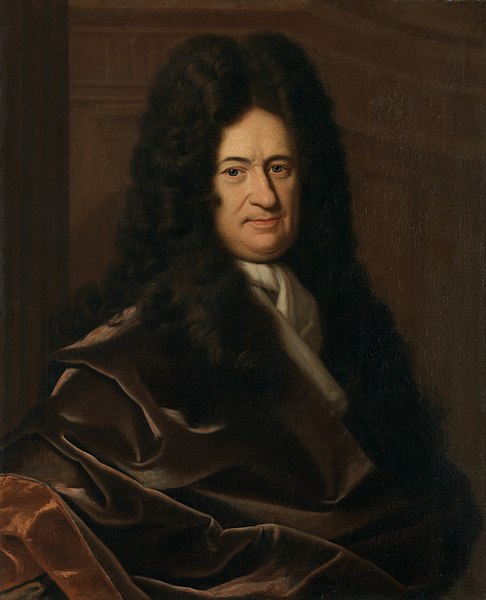
Gottfried Wilhelm von
Leibniz
Back to Grade school
Now in Binary
Representing Integers
The number of symbols available to count with determines the
base of a number system
Decimal is base 10, as we have 10 symbols (0-9) to count with
Each new number counts for 10 times as much as the previous
Binary is base 2, as we only have 2 symbols (0 and 1) to count with
Each new number counts for twice as much as the previous
Can always determine what number a representation corresponds to by
adding up the individual contributions