Looking through the Window
Jed Rembold
Monday, October 20, 2025
Announcements
- HW7 due on Wednesday night!
- Last of the “testable” content for the next exam
- The last part of the last question does involve some content from today
- Exam 2 is 1 week from Wednesday
- Review and study materials will be posted on Wednesday
- Polling today: polling.jedrembold.prof
Review Question!
Assuming that your server has its timezone set to
'American/Los_Angeles', what is the output of
the below query if you ran it right now?
SELECT make_time(
  date_part('dow', current_date)::INT,
  date_part('day', now())::INT,
  date_part('hour', localtime)::INT
) AT TIME ZONE 'PDT';- 08:20:14
- 01:20:14-07
- 01:20:14
- 18:20:07-07
Intro to Window Functions
Window Functions
- One useful piece of kit that is only partially included in the text (in Chapter 11) is that of window functions
- A window function is like a mix between a normal column value and an
aggregate function
- Unlike aggregate functions, a window function returns a value for each row
- Unlike normal column values, a window function can utilize other rows included within its “window” in making an aggregation
- Any normal aggregate function can be used as a window function, though there are specific window functions as well
- Window functions can only be used inside
SELECTorORDER BYstatements- They are evaluated after any filtering, grouping, or normal aggregations
Over the Hill
- The defining characteristic of any window function is the
OVER ()keyword, which comes after the aggregating window function - Content inside the
()determines the “window” of the window function - By default, if nothing is provided, the entire column is the window
- The below would output the average of the column in every row
- There will be other ways to do something similar with subqueries, but this is perhaps the most straightforward method
SELECT AVG(|||column|||) OVER()
FROM |||table|||;
Special Window Functions
Dedicated Window Functions
- You can use any existing aggregate function as a window function, but there are also more specific window functions
| Function | Description |
|---|---|
row_number() |
Assigns an ascending row number to each row in a window |
rank() |
Assigns an ascending rank to each row, with possible ties skipping the next value |
dense_rank() |
Assigns an ascending rank to each row, with possible ties not skipping the next value |
first_value(|||col|||) |
Returns the first value in the window of column
|||col||| |
last_value(|||col|||) |
Returns the last value in the window of column
|||col||| |
lag(|||col|||, |||amt|||) |
Returns the previous (or shifted by
|||amt|||) row of column
|||col||| |
lead(|||col|||, |||amt|||) |
Returns the next (or shifted by
|||amt|||) row of column
|||col||| |
nth_value(|||col|||, |||n|||) |
Returns the |||n|||th row of column
|||col||| (NULL if
doesn’t exist) |
Changing the Window
DETERMINING ORDER
- Often, to be useful, you may want to define an ordering inside the
OVER()statement - As soon as you specify an ordering, the default window
changes
- By default, each window now encompasses everything from the start,
up to (and including) that current row
- Easiest to see with classic aggregate functions
- By default, each window now encompasses everything from the start,
up to (and including) that current row
SELECT COUNT(*) OVER( ORDER BY |||column||| )
FROM |||table|||;
Tweaking the Window
You can tweak this window by specifying the starting and stopping point, using the syntax:
...|||type||| BETWEEN |||offset||| PRECEDING AND |||offset||| FOLLOWINGwhich appears in the
OVERclause, after any provided ordering|||type|||can be eitherROWS,RANGE, orGROUP|||offset|||can be- an non-null, non-negative integer or
UNBOUNDEDif the type isROWSorGROUP - an value that makes sense to add or subtract from the ordered column
if the type is
RANGE
- an non-null, non-negative integer or
Excluding the Window
Can also exclude the current row or group from the window:
... EXCLUDE |||type||||||type|||here can be:CURRENT ROW, which excludes the current row from the windowGROUPwhich excludes the current row and all other rows currently tied with itTIESwhich just excludes the tied rows, but keeps the current row
Partitioning
- Additionally, you can specify a partition for the window
- The default partition is the entire column
- Partitioning here is determined before the rows comprising
the window are computed
- This has a similar feel to
GROUP BY, but every row will get a value here
- This has a similar feel to
- Window functions evaluated within each window within each partition
SELECT AVG(|||column|||) OVER (
    PARTITION BY |||column|||
  )
FROM |||table|||;
Activity!
A Sweet Dataset
- Contained here is an
SQL file to generate a table of Halloween trick-or-treater data, which
contains two columns:
- The timestamp when a trick-or-treater visited and was given a piece of candy
- What candy was given to the trick-or-treater
- You started out with a supply of 50 of each type of candy
- You will have several questions you are trying to answer.
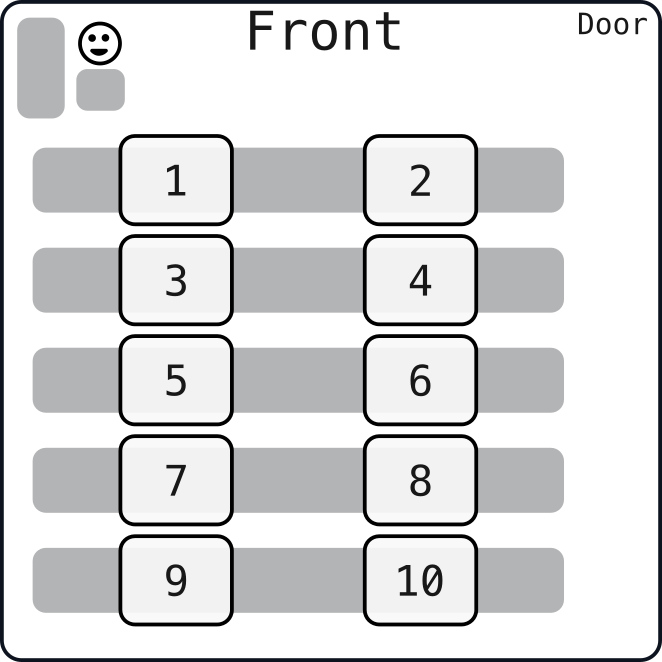
Today’s Groups
- 1: Jude, Beyla, Mia
- 2: Farley, Finn, Sophie
- 3: Meghla, Emma S, KJ
- 4: Dominic, Evan, Judah
- 5: Kara, Tegan, Evyn
- 6: Jackson, Nico, Connor
- 7: Catalina, Cody, Aaron
- 8: Julia, Addison, Saul
- 9: Jimmy, Thomas, Talia
- 10: Lola, Michael, Cecil
- 11: Oliver, Jose, Gregory
- 12: Salvador, Emma M
Questions
- Reminder: You started out with a supply of 50 of each type of candy
- Using the dataset, answer the following questions:
- Between the 20th and 30th minutes, what were the three most popular candies given?
- What candies did you never run out of?
- At what time did you run out of Skittles?
- What times did you run out of the three most popular candies?
- Construct a 5-minute rolling average of the number of trick-or-treaters you saw each minute of the evening. According to this, about when were things busiest?