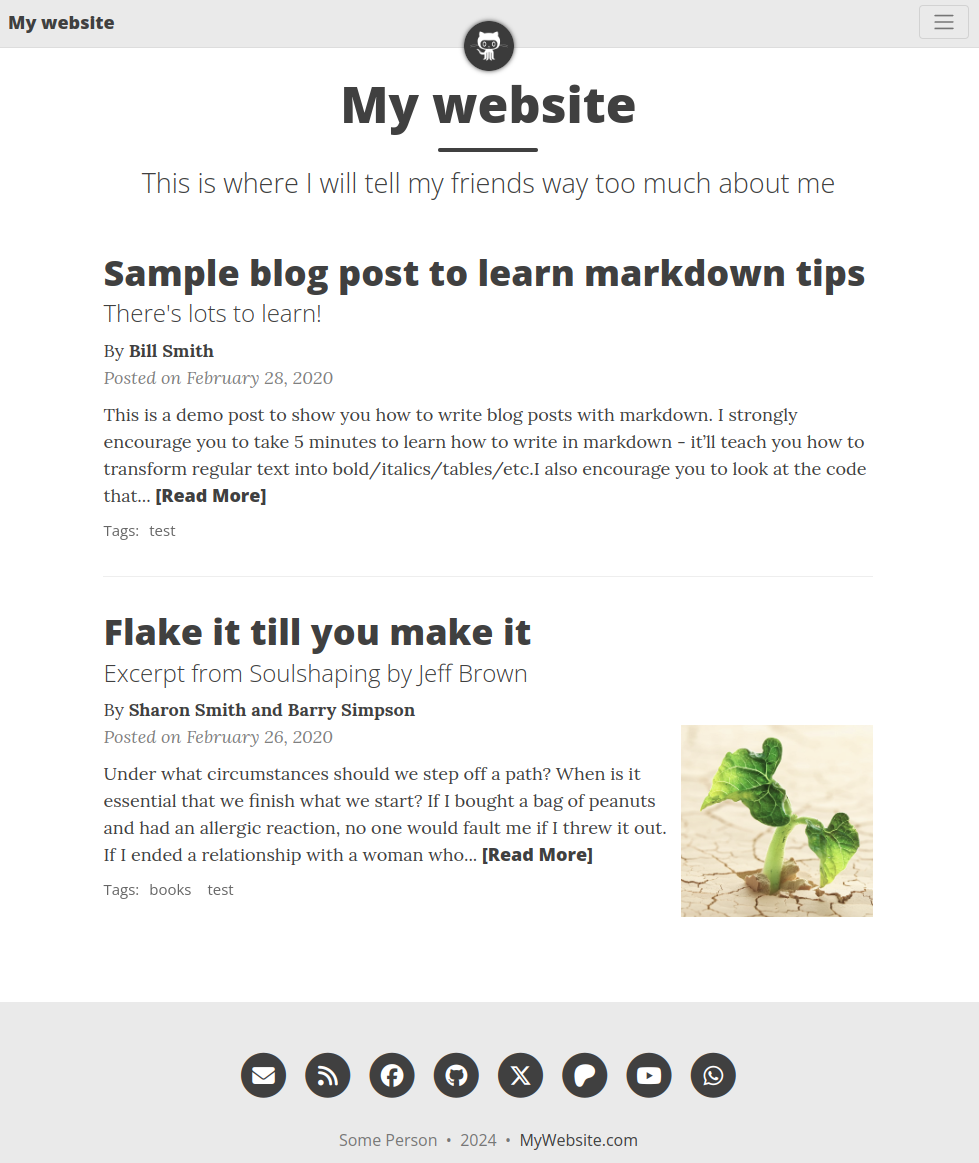
Portfolio Websites and Data Summary Work

Jed Rembold

June 17, 2025

Announcements

  • Don’t be forgetting the weekend check-ins!
    • And remember to update the tasks in your GitHub repo
  • Paper Critique #3 due next Monday night
  • Next week Ruthie will be talking about behavioral interview prep
  • Due at the end of the month: Data Summary
    • Details posted!

An Online Presence

Importance

  • Building a personal brand demands having a central location where people can come to learn more about you and what you do
  • This generally goes beyond most social presences:
    • Needs more clarity and explanation than a GitHub profile entails (though you can make some very nice GitHub profiles)
    • Needs more flexibility and room to showcase than LinkedIn or most other social media provides
  • Can be more than just a collection or showcase of your projects
  • Good communication and polish are the name of the game here

Contents

  • A good profile / portfolio should minimally include:
    • Who you are
    • Links to or a digital version of your resume
    • Links to and descriptions of projects worked on
    • A method to contact you
  • Additionally, they might include:
    • Education or past work experience
    • Primary skills
    • Blog posts
    • Links to other professional social media accounts

Web Basics

  • Building and publishing a website requires 3 things:
    • A domain name: this is the “address” that directs someone to your server where the website content lives
    • A hosting platform: this is the physical server that contains the contents of the website, which the domain name directs traffic to
    • The content: this is the HTML/CSS/JS content that drives your website and provides the actual meat and potatoes of what you are showcasing
      • Content can be either:
        • Static: essentially just a document of the website contents. A user seeing something different would require changing the content.
        • Dynamic: when a user visits the page, background calls to a database supply the content that should be shown. Different users can see different content.
      • We’ll just focus on static websites here, since they work nicely for portfolios

Domain Names

  • You don’t technically need a domain name: if you know the IP address of the server, that can always technically work
  • Many hosts will provide some version of a domain name, likely constrained in some way
    • Railway’s provided URLs for instance all end in .up.railway.app
    • GitHub pages URLs looks like {username}.github.io
    • If you don’t mind the restriction, this can be a low cost or free method to get a somewhat customized domain name
  • If you want something more bespoke, you just need to purchase a domain
    • A variety of places these can be purchased: cloudflare.com, godaddy.com, namecheap.com, ionos.com, etc.
    • Most range from 5 to 15 dollars per year (though be aware of introductory offers)
    • Many also provide hosting, which you may or may not need

Hosting

  • The domain name is just the fancy address, you still need an actual home for your website to live
  • Any server can work if it has internet access and is running the appropriate website server software
  • Most likely going to be somewhere in the cloud though
    • Any remote VM could work, but likely going to be something setup specifically for web hosting
    • Many of the domain name providers will also host if you get a domain name through them
    • GitHub will freely host a static webpage (which can use a custom domain if you want)

Content

  • The content of your webpage might take a few different forms, depending on your hosting solution
    • Raw HTML, CSS, and JS files generated manually or by an outside build process
    • Markdown and a Jekyll theme on GitHub Pages
    • WordPress documents if on a hosting solution with WordPress
  • If you are comfortable with front-end dev and creating your own HTML/CSS/JS, then the sky is the limit
  • If front-end dev is terrifying then you have some options:
    • Use a templating engine like GitHub’s Jekyll implementation, as you can mostly just pick a theme and then work with Markdown
    • Fork templates that others have created and then edit in your content

Templating

  • Templating engines allow you to write the content of your site in a (usually) nicer form, and then “compile” to actual HTML
  • There are many possible engines:
    • Jekyll: Uses Ruby under the hood. Natively supported on GitHub pages
    • Hugo: Uses Go under the hood.
    • Pelican: Uses Python under the hood.
  • All generally take a theme as a starting point (unless you want to roll your own from scratch)
  • If using something besides Jekyll, you’ll need to compile to HTML manually and then copy that content into your GitHub repo

Finding other templates

  • You can also search around for other created templates, some of which are quite nice
  • If not created with a template engine though, you will usually need to edit the HTML directly to adopt things to your needs
    • While more tedious, this can be worth it if you find a site style you really like and won’t need to edit it often

Getting Started

  • Create a new public repository with name {yourgithubname}.github.io
    • If starting from scratch, this can be an empty directory
    • More likely, find a theme you like and fork or Use this template, and then rename the repo in its settings
    • Starting option here though more linked later
  • Clean up unneeded content as described in the theme/template you are using
  • In your repo settings, under “Code and automation”, select the “Pages” option
    • You want to deploy from branch, and select either the master/main branch or the gh-pages branch. From /root unless you are doing something special. Then click save!
  • Give it a moment, but then you should be able to visit {yourgithubname}.github.io in your browser! You have a public page!

Making Changes

  • GitHub Pages will automatically recompile and deploy your page whenever you push a new commit to your remote repo
  • Clone the repo to your local computer so that you can make edits more easily
  • Jekyll can work with markdown files natively, so you can generate new content easily
    • Links to other pages or files in the repo can be referenced from the root of the repo
  • Read the theme/template documentation! It will often highlight how you can make certain changes.
  • Commit and push any changes back to your remote repo, and then wait a moment for the page to compile

Local Previews

  • When getting started, making small changes and then checking to make sure they worked is best. But that makes for a lot of uploads back to GitHub and waiting around

  • If you are editing HTML directly, then you can just open the file locally to see the changes

  • If using a templating engine like Jekyll though, you would need to have Jekyll installed locally to build the site. Which is not trivial.

  • Docker to the rescue! From your local website folder:

    docker run -it --rm -v .:/srv/jekyll -p 4000:4000 \
      jekyll/jekyll jekyll serve --watch --force_polling \
      --verbose --livereload --host 0.0.0.0
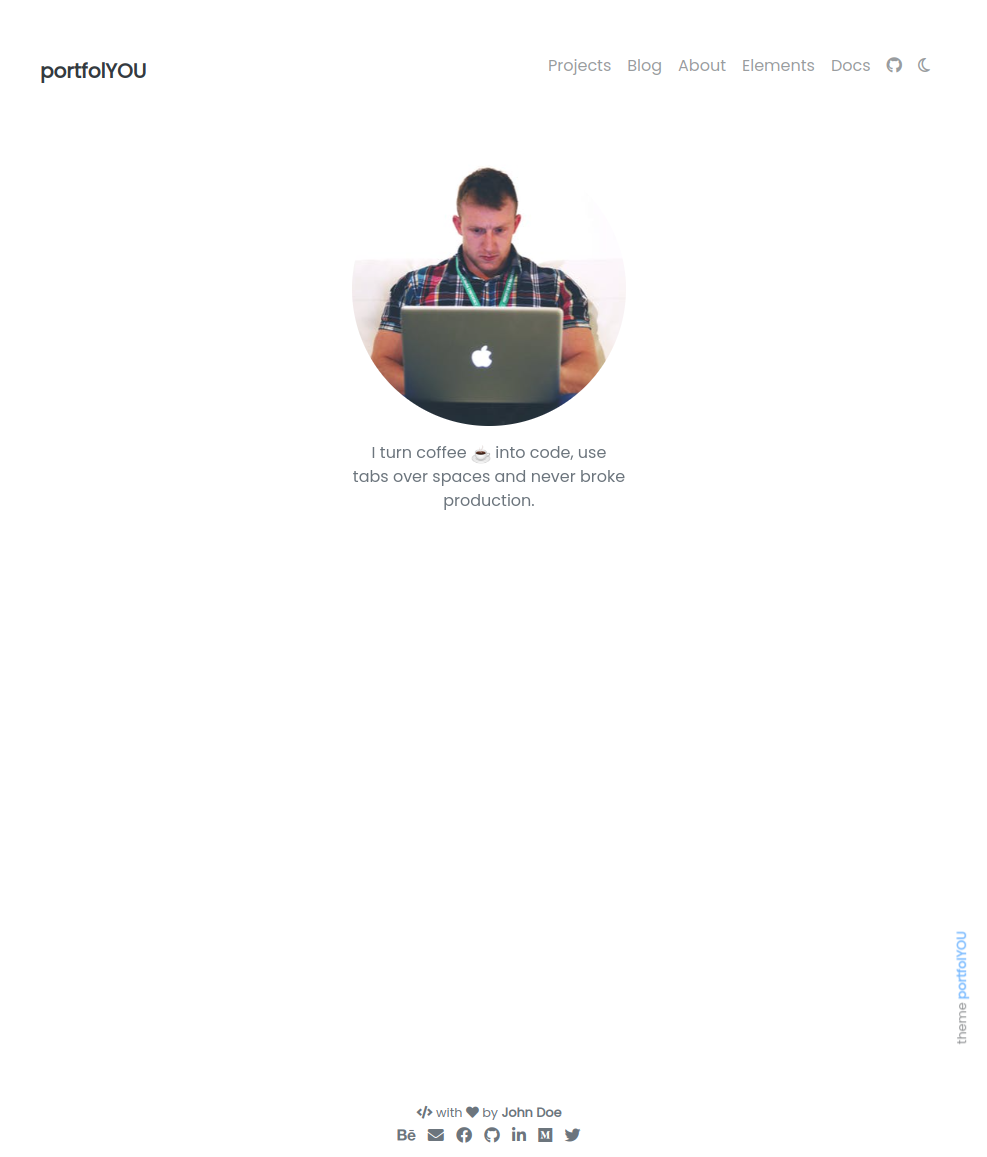
Other template ideas

  • You can find many free Jekyll themes here
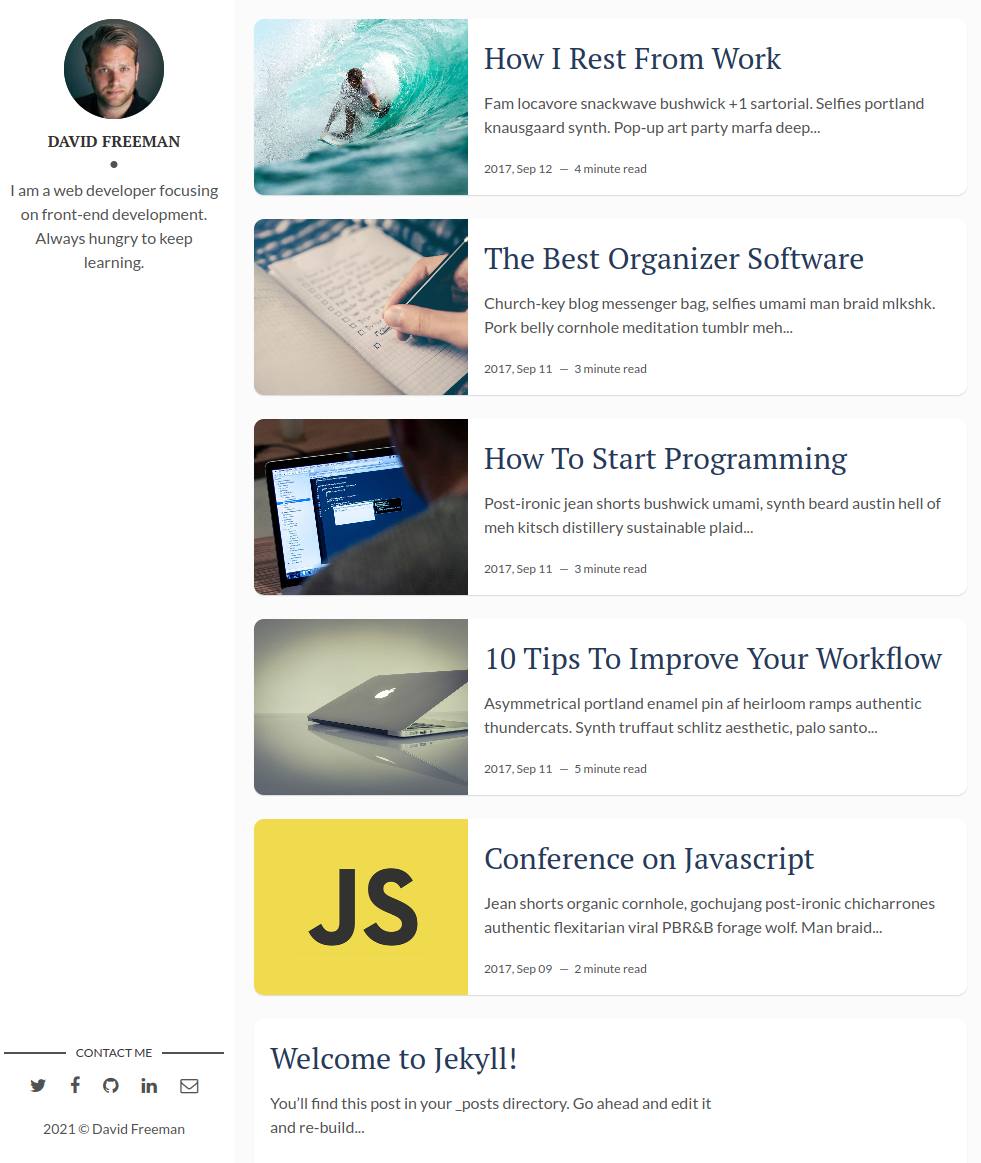
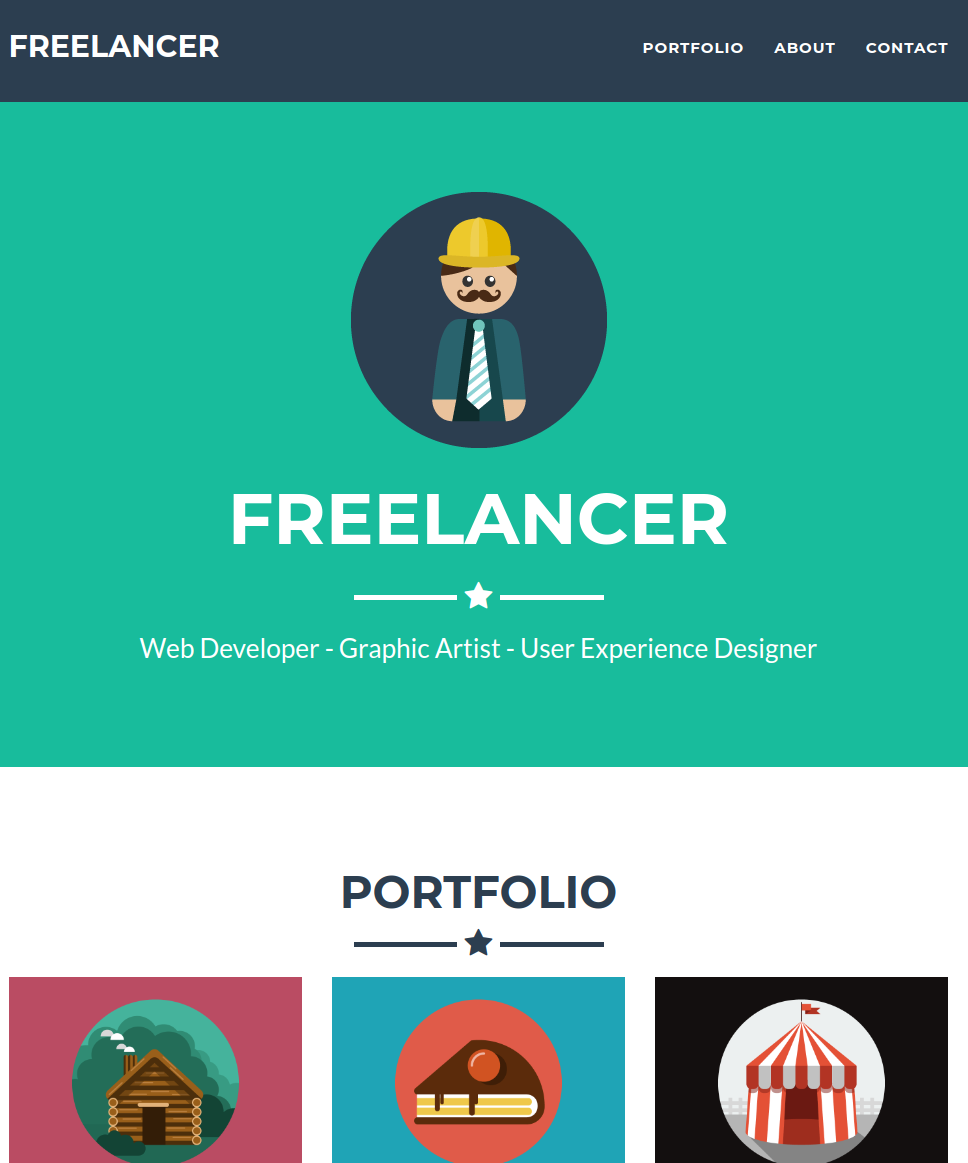
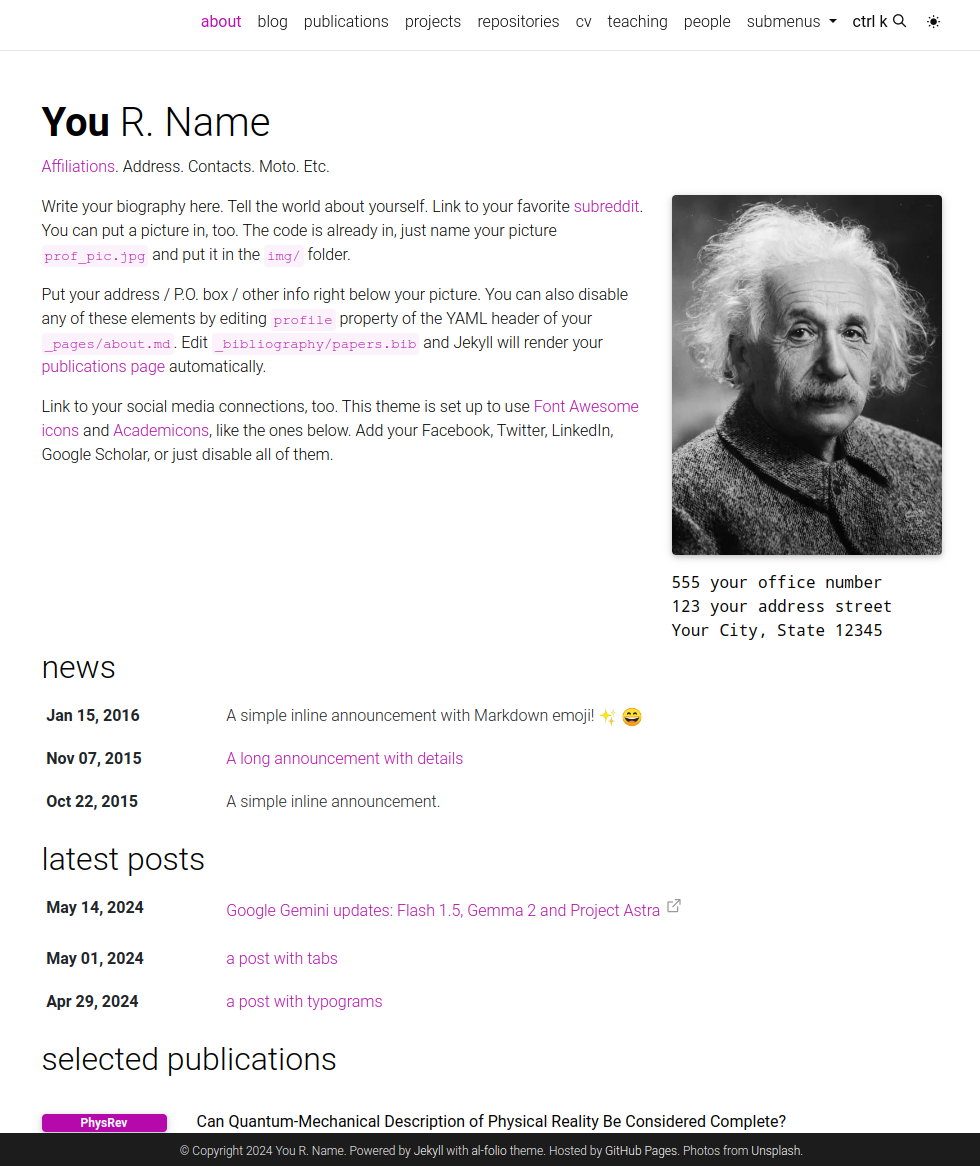
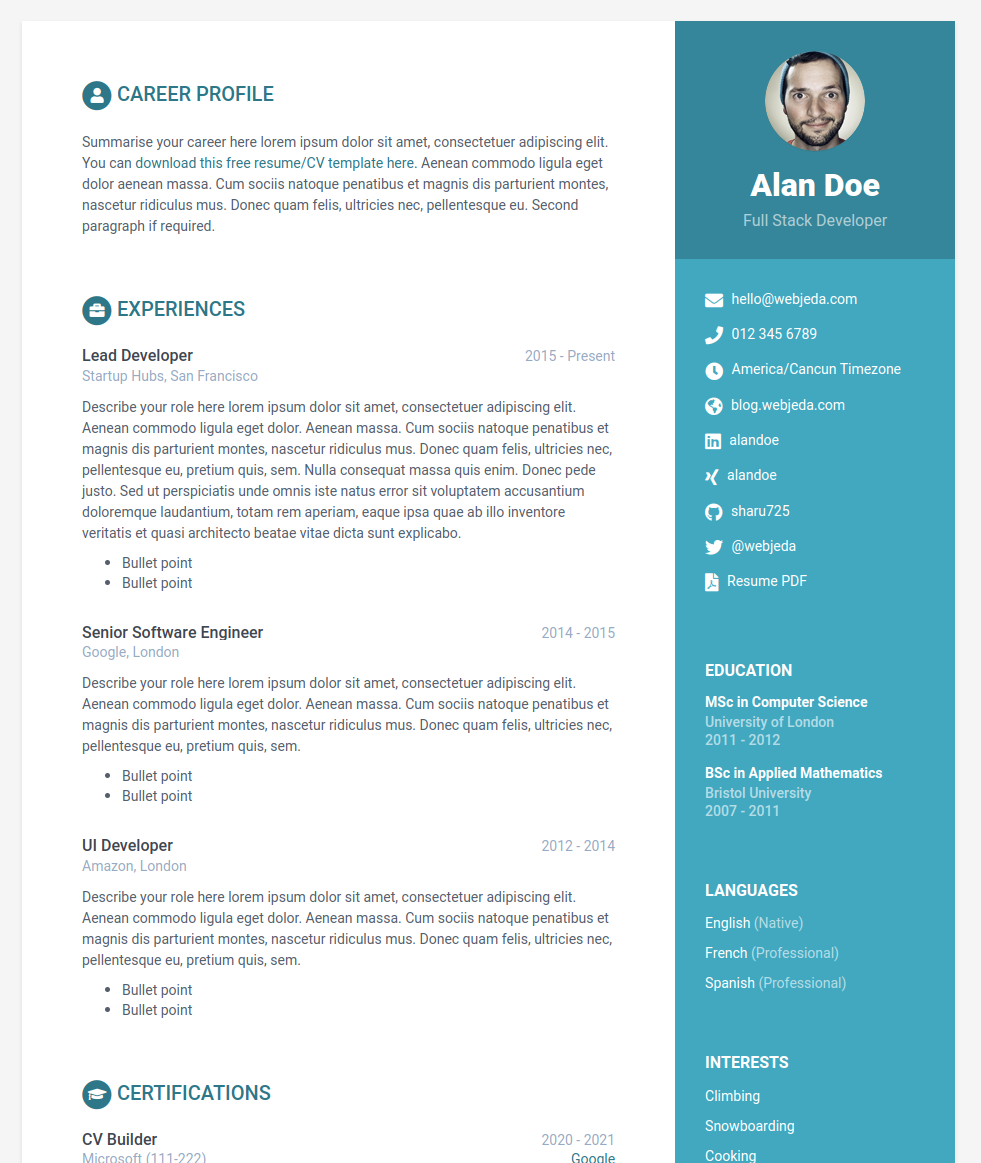
  • Others I think look nice include:

Your Turn

  • Take the next 15 or so minutes to browse themes and find something you like
  • Fork or create a new template from the theme and try to at least have a public website up and running

Break Time!

Team Data Work

Team work

  • The rest of the evening is set aside for you to work on making progress gathering and wrangling!
  • Start planning out how you will organize all your information!
// reveal.js plugins // Added plugins